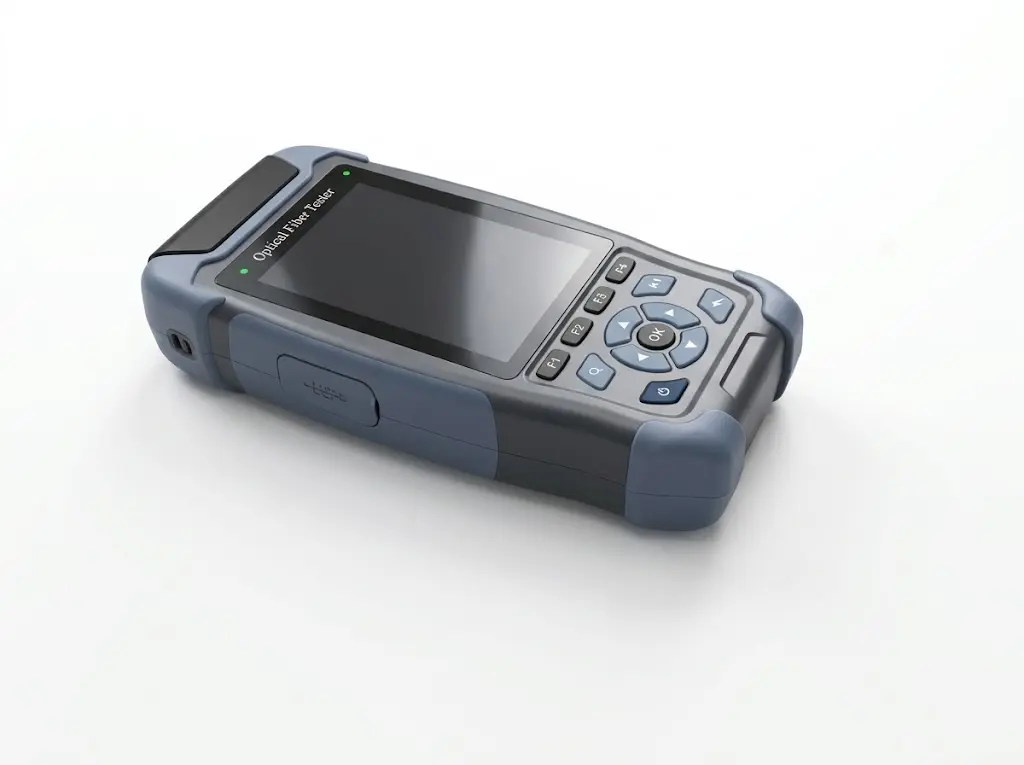
When operating the FF-980REV OTDR, you may encounter an issue where the displayed trace curve appears normal, but the event list area remains completely empty. This means the OTDR successfully captures the optical backscatter data, but fails to categorize and list the specific events (such as splices, connectors, or faults).
Root Cause of the Empty Event List
This specific software behavior is typically caused by an incorrect threshold value setting within the device parameters. If the event detection threshold is set too high, the OTDR algorithm will ignore legitimate reflection and attenuation events, resulting in a blank event list despite a visible trace.
Solution: Reset to Factory Settings
To resolve the empty event list issue on the FF-980REV OTDR, you need to restore the device’s internal event detection parameters.
Step-by-step fix:
1. Navigate to the system settings menu on your FF-980REV OTDR.
2. Select the option to reset all parameters to factory settings.
3. After the reset is complete, perform a new fiber test. The event list should now correctly display all detected events alongside the curve.
For complete technical specifications, firmware updates, and further troubleshooting, please visit the product hub: FirstFiber FF-980REV Mini Pro OTDR.