Description
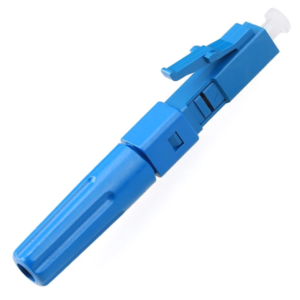
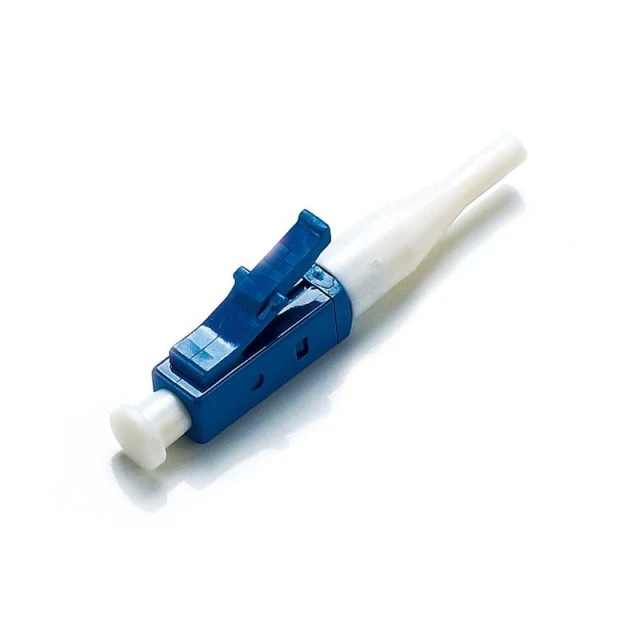
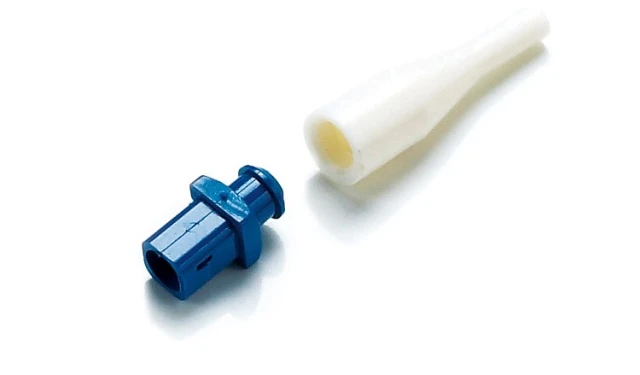
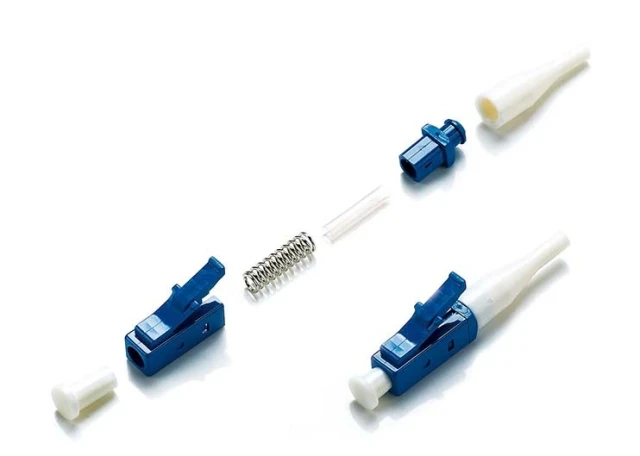
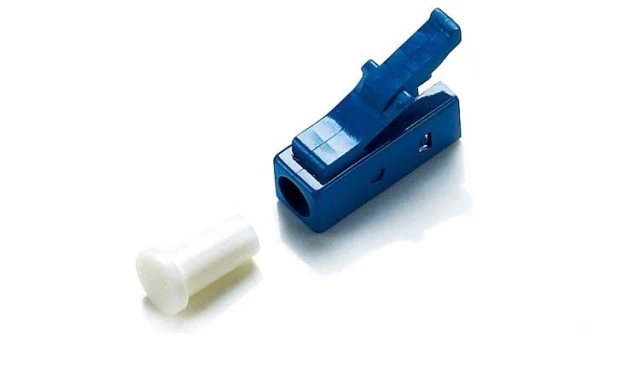
The LC fiber optic connector has a durable plastic body with a square front profile.This fiber optic connector has a PC finish ferrule for minimum back reflection and can be ultra polished on a singlemode patchcord.
The LC fiber optic connector features a push-pull connection design for quick patching of fiber optic cables into rack or wall mounts. This compact fiber optic connector is ideal for telecommunications closets, premise wiring and other high density applications. These fiber optic LC Connectors can be clipped together to create duplex connections. LC stands for Subscriber Connector.
Features
– Low insertion loss
-Corrosion resistant body
-Precision mechanical dimension
-Meets Telecordia-GR-326-CORE specifications Ultra low back reflection
-One Piece with pre-domed ceramic ferrule is designed for easy assembly
-Fixed key and activity key can be selected
-For 900um buffer
– ROHS compliant
Applications
-Telecommunication
-LAN & WAN
-Broadband CATV
-Network FTTX.
Specifications
-Insertion loss: 0.20dB
-Return loss: >55dB (UPC)
-Boot size: 0.9mm
-Connectors type: LC Simplex
FAQ
Q: What buffer size and connector type does this ST/UPC epoxy connector support?
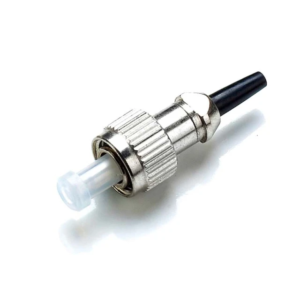
A: It is an ST Simplex connector equipped with a 0.9mm boot, specifically designed for terminating 900μm buffer fibers in both short and long-distance networking applications.
Q: What are the key optical performance specifications?
A: The connector delivers a low insertion loss of 0.20dB and ultra-low back reflection with a UPC return loss of >55dB.
Q: What design features enhance its reliability and assembly?
A: It features a one-piece design with a pre-domed ceramic ferrule for easy assembly, a corrosion-resistant body, and precise mechanical dimensions compliant with Telecordia-GR-326-CORE and ROHS standards.
Q: What are the main applications for this ST/UPC connector?
A: It is commonly deployed in telecommunication networks, LAN & WAN infrastructures, broadband CATV, and FTTX installations.
Q: How can I request pricing or a product demo?
A: Select your required options on the product page and click “Add to Quote” or “Request a Demo” to submit your request directly.