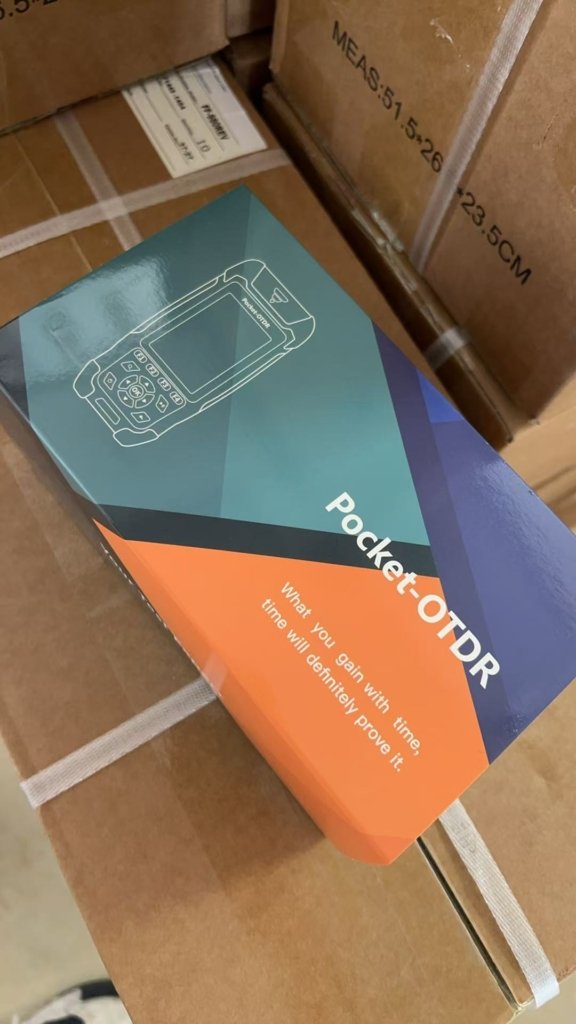
Do not attempt to upgrade the FF-980REV OTDR firmware independently. Hardware configurations change occasionally based on market supply. To prevent device failure, always contact our engineering team to diagnose your issue and receive a custom, verified upgrade package first.
Prerequisites & Critical Warnings
Before initiating any software changes, ensure you meet these strict requirements:
- Data Cable: You must use the original USB cable that came with the OTDR. Generic USB cables designed only for power charging lack data transmission capabilities and will fail to connect.
- Power Stability: Never turn off the OTDR while the upgrade is in process. The installation takes approximately 2 minutes to complete.
Firmware Upgrade Procedure
After you have received your custom upgrade package from our technical support team, execute the following steps exactly in order:
- Connect to PC: Connect the OTDR to your computer using the verified data transmission USB cable.
- Transfer the Package: A new disk drive will appear on your PC screen. Copy the upgrade package directly to the root directory of this new disk.
Crucial Note: Do not rename the upgrade file, and do not place it inside any folders.
- Disconnect the Device: Safely disconnect the USB cable from the PC. If you do not physically disconnect the OTDR from the PC, the device interface will remain locked, and you will not be allowed to operate it.
- Initiate the Upgrade: On the OTDR menu screen, navigate to System -> Upgrade -> press OK.
- Wait: Allow around 2 minutes for the system to process the files.
- Automatic Reboot: The OTDR will reboot up by itself once the firmware successfully installs.
If you are experiencing system errors, please describe the problem to our engineers to receive your specific software fix.
Contact FirstFiber Technologies